For an attraction, tour or activity business, the first question is whether your eligible products lead from Google to the right booking page. Check your existing profile and booking provider before commissioning a new integration.
What can a traveller see?
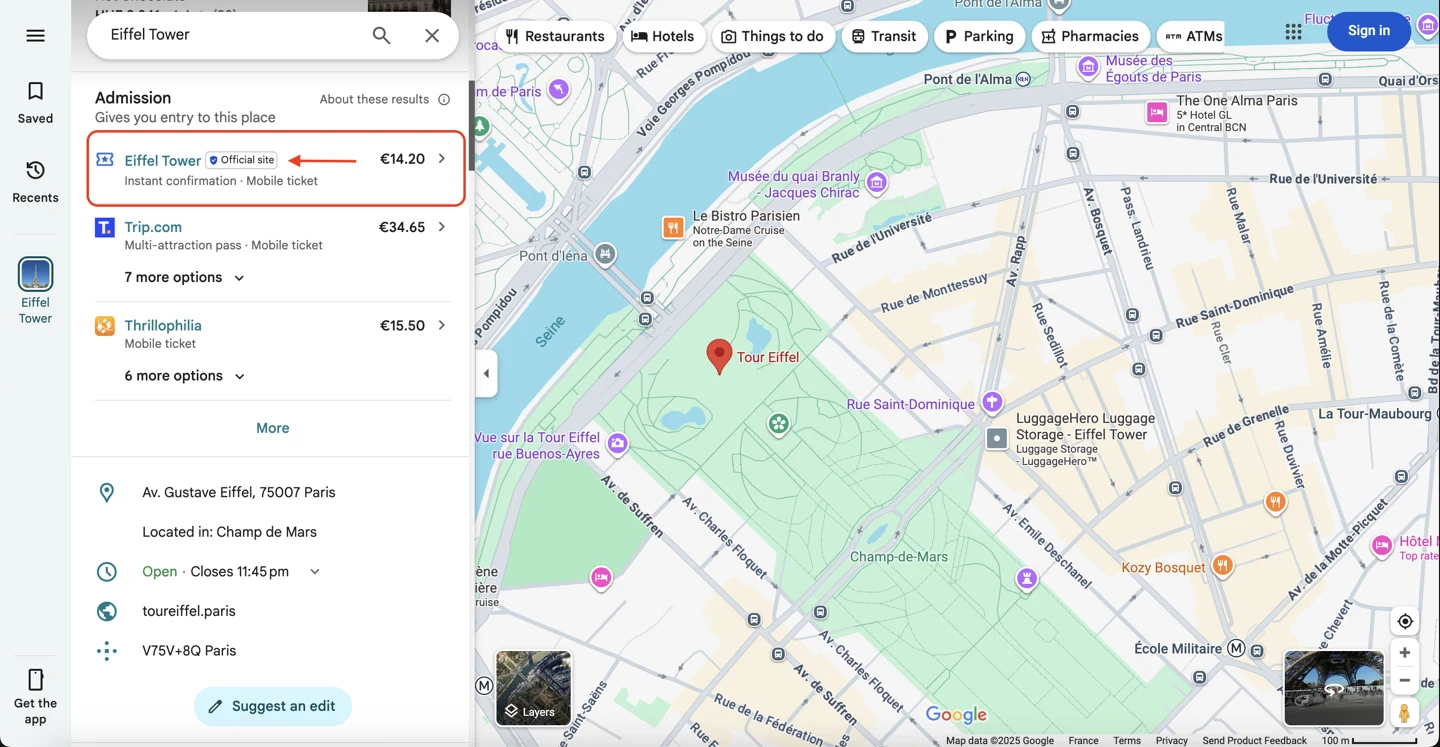
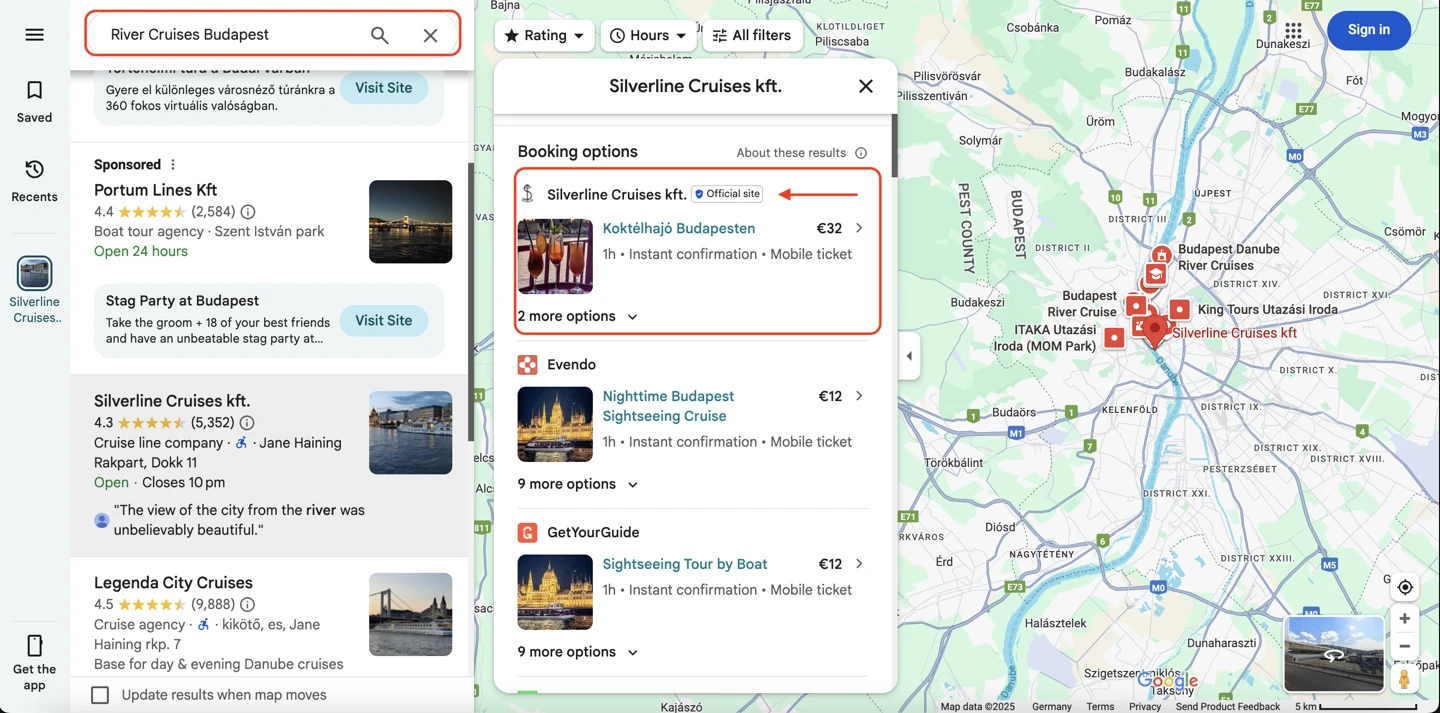
Google can display admission tickets and activities alongside relevant places. The options may include an operator’s own booking route and third-party sellers. Visibility of the place and visibility of its bookable experiences are related, but they are not the same thing.
Which connection should you investigate?
| Route | When to check it | Question to resolve |
|---|---|---|
| Your Google Business Profile | Eligible attractions and tour operators can manage ticket or activity details in their profile. | Is the option available, and does each booking URL lead to the intended experience? |
| Your booking or connectivity provider | You already use a reservation system or need to maintain a larger product catalogue. | Which products and surfaces are supported, what does it cost, and who maintains the connection? |
| A direct integration | You have the scale and technical capacity to operate a feed. | Can you meet Google’s requirements, obtain approval and maintain the data over time? |
Google documents both profile-based ticket and activity management and provider and direct integration routes. Where a connectivity partner supplies admission information, those details can take precedence over manual entries.
Free listings do not mean a cost-free project
Google offers free booking-link placements as well as paid advertising options. Your booking provider may still charge for its service or connection. Ask for the full operating cost, including maintenance and any booking fees, before comparing routes. An “Official site” label is subject to Google’s criteria; it is not something a supplier should promise unconditionally. Google’s overview · Official-site policy.
Check the journey as a guest
- Find the experienceDoes the listing identify the product the guest wants?
- Follow the booking optionDoes it lead to your intended seller and the correct product?
- Check the offerCan the guest understand the total price, terms and next step?
Use a small sample of your most important products. Check mobile as well as desktop, and record mismatches so the responsible provider can reproduce them. Confirm who corrects product, price and booking-link errors. Google’s price policy requires displayed prices to match the total payable, including applicable taxes and fees.
What should a destination or association do?
Start with member readiness: which businesses have bookable experiences, which reservation systems they use and where guests encounter inconsistent information. Grouping common issues can make support more practical. A shared destination campaign cannot, by itself, repair an individual operator’s booking path.
Choose the next step
For a business, an audit can establish what its current Google presence communicates and which issues deserve attention. Booking-system integration needs its own scope and provider discussion.
See what a Google profile audit reveals →Coordinating several businesses? Explore the tourism association programme.
Editorial note: This updates our 2025 Google Things to Do article. Original screenshots are retained as dated examples. Current eligibility, available interfaces and provider terms should be confirmed for the business concerned.
Additional reference: Google’s Things to Do content and referral policies.